



































 Flashlight
 LED
LED Driver
 Battery
 Charger
 Accessory
 Attachment
 Other
Other
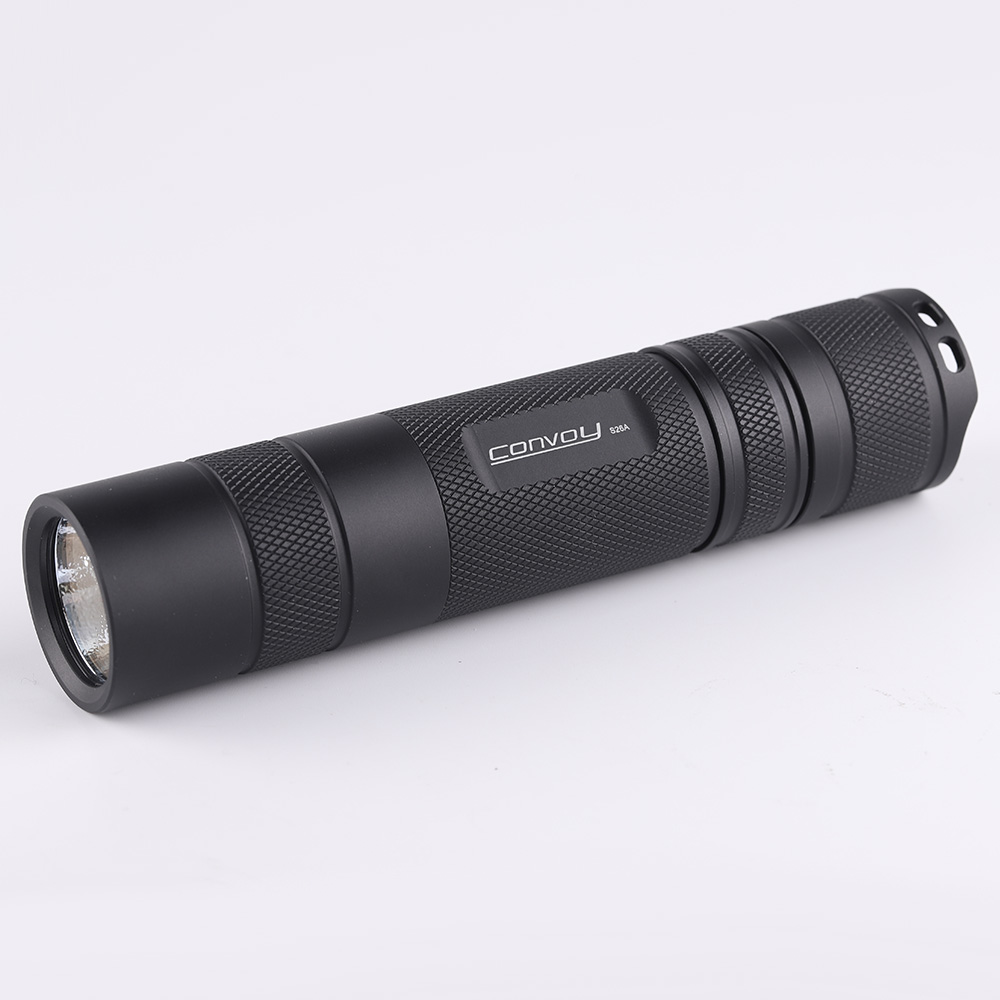
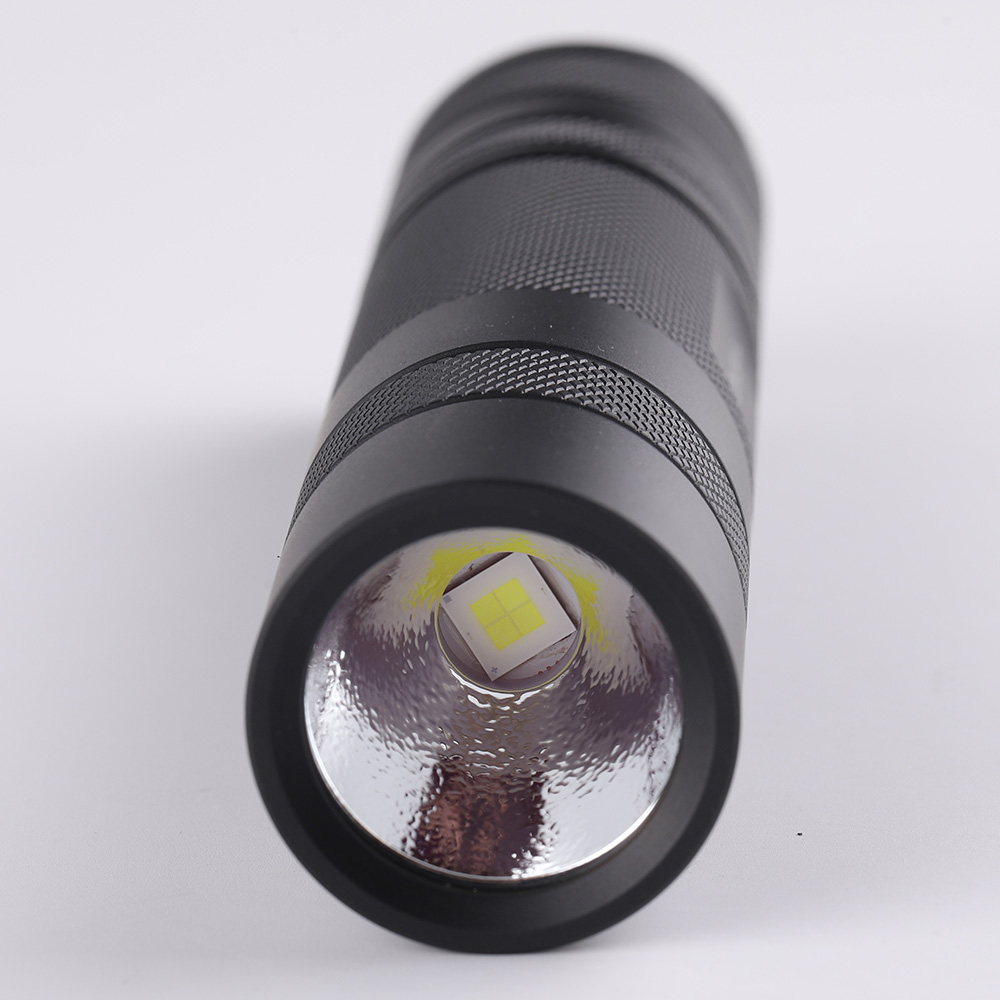
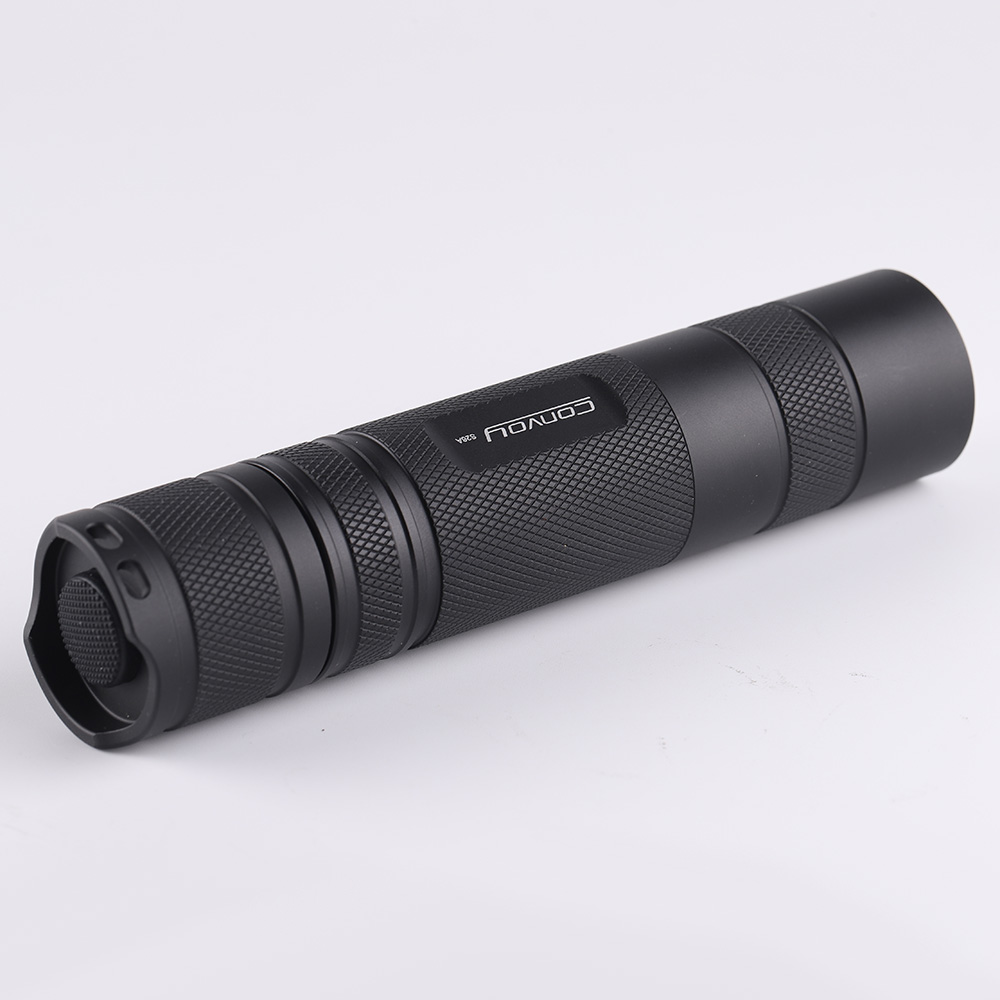
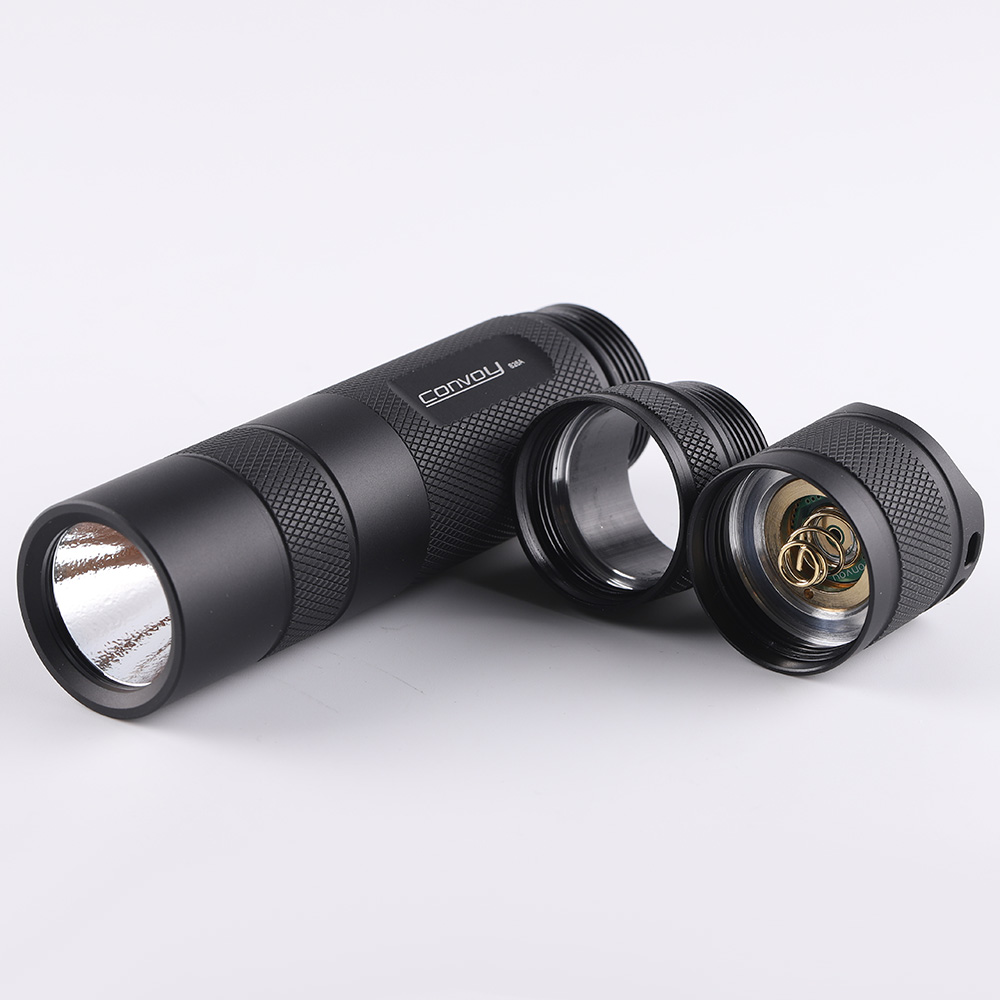
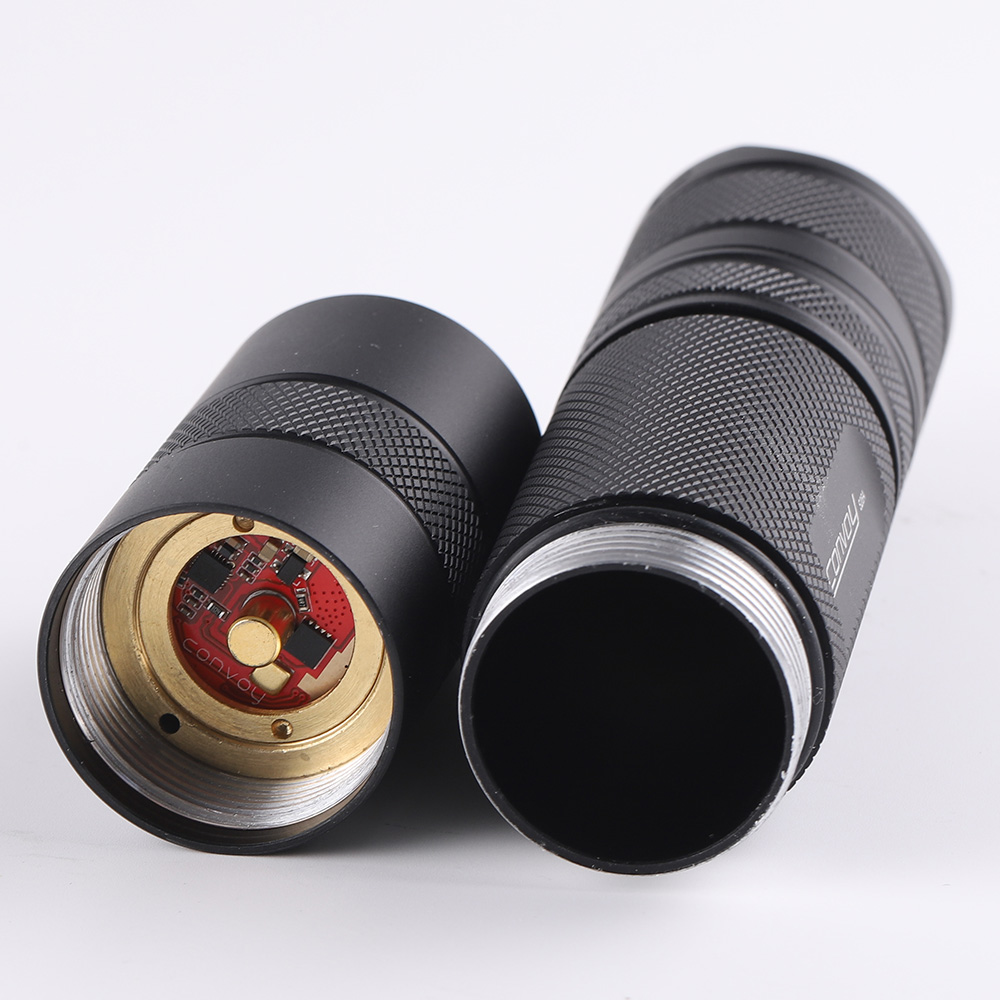
Convoy S26A 26800 26650 flashlight
-
Detail
Product Specifications
LED:
- XHP70.3 HI , SFT40, LHP531, LHP73B
Max Luminous Flux:
- 4000LM (XHP70.3 HI R70, LHP531)
- 3000LM (XHP70.3 HI R9050)
- 2000LM (SFT40)
- 8000LM(LHP73B)
Mode:
- Refer to detailed description
Brightness Memory:
- Yes
Battery:
- 1 x 26800 or 26650 INR/IMR lithium battery (flat head, without protection board - not included)
Material:
- 6061 Aluminum Alloy, precision CNC machining, surface anodized treatment
Color:
- Black
Waterproof Rating:
- IPX6
Switch Type:
- Mechanical switch located at the end of the flashlight
Driver Output Current:
- 6V 5A Boost for XHP70.3 HI
- 3V 8A Buck for SFT40, W5050SQ5
- 3V 10A Buck for LHP531
- 3V 20A Buck for LHP73B
Reflector Type:
- Smooth reflector for SFT40, W5050SQ5
- Orange peel reflector for XHP70.3 HI, LHP73B, LHP531
Lens:
- AR-coated glass
Size:
- Body Diameter: 33.1mm
- Length: 150.2mm
Net Weight of Flashlight:
- 180g (without packaging and battery)
Package Gross Weight:
- 196g
Included Accessories:
- 1 x Lanyard
Operation Modes
1. Turning On/Off and Mode Selection
- Click the switch to turn the flashlight on/off.
- Tap the switch to select the mode.
2. Configuration Mode
- While the flashlight is on, tap the switch 20 times quickly to enter config mode.
(Note: Unlike a visual interface where you can click options, for this flashlight, a flash indicates a selected option, and “tap the switch during flashing” is how you select.)
Option 1 (Normal Flash 1 time + Buzz Flash):
- Tap the switch to enter sub-options to select the mode group. If there is no operation, the config mode will move to Option 2.
Sub-Options:
-
Sub-option 1.1 (Normal Flash 1 time): Select Mode Group 1
(0.1%, 1%, 10%, 35%, 100%, Strobe, Biking, Battery-check) -
Sub-option 1.2 (Normal Flash 2 times): Select Mode Group 2
(0.1%, 1%, 10%, 35%, 100%) -
Sub-option 1.3 (Normal Flash 3 times): Select Mode Group 3
(100%, 35%, 10%, 1%, 0.1%) -
Sub-option 1.4 (Normal Flash 4 times): Select Mode Group 4
(1%, 20%, 100%, Strobe, Biking, Battery-check, SOS) -
Sub-option 1.5 (Normal Flash 5 times): Select Mode Group 5
(1%, 20%, 100%) -
Sub-option 1.6 (Normal Flash 6 times): Select Mode Group 6
(100%, 20%, 1%) -
Sub-option 1.7 (Normal Flash 7 times): Select Mode Group 7
(0.1%, 1%, 10%, 50%, Strobe, Biking, Battery-check, SOS) -
Sub-option 1.8 (Normal Flash 8 times): Select Mode Group 8
(0.1%, 1%, 10%, 50%) -
Sub-option 1.9 (Normal Flash 9 times): Select Mode Group 9
(50%, 10%, 1%, 0.1%) -
Sub-option 1.10 (Normal Flash 10 times): Select Mode Group 10
(1%, 10%, 35%, 100%) -
Sub-option 1.11 (Normal Flash 11 times): Select Mode Group 11
(100%, 20%, Strobe) -
Sub-option 1.12 (Normal Flash 12 times): Select Mode Group 12
(100% only)
Option 2 (Normal Flash 2 times + Buzz Flash):
- Tap the switch to activate or deactivate mode memory. If there is no operation, the flashlight will return to the last mode.
Battery Check Instructions
- < 2.95V: 1 flash
- 2.95 - 3.25V: 2 flashes
- 3.25 - 3.55V: 3 flashes
- 3.55 - 3.85V: 4 flashes
- > 3.85V: 5 flashes
-
Customer Reviews
 skap********kos
Its similar to s11 , with 26650 battery slightly better grip maybe , and extension for 26800 battery but is very rare ... LHP73B is my option to go